
Maintaining a separate top-level template for every variation of a page layout is one of the more tedious aspects of block theme development. If you have three sidebar designs depending on post category, you end up with three nearly identical templates that are painful to keep in sync. There is a better approach that keeps your templates clean and puts the conditional logic where it belongs — in PHP, not in a pile of duplicated HTML files.
The technique relies on intercepting block data before WordPress renders it. Because block themes use HTML templates, you cannot drop PHP conditionals directly into a template file the way classic themes allowed with get_sidebar() or get_template_part(). PHP-registered patterns have the same limitation — they are registered on init, before most contextual data is available. What you need is a hook that fires later, at render time.
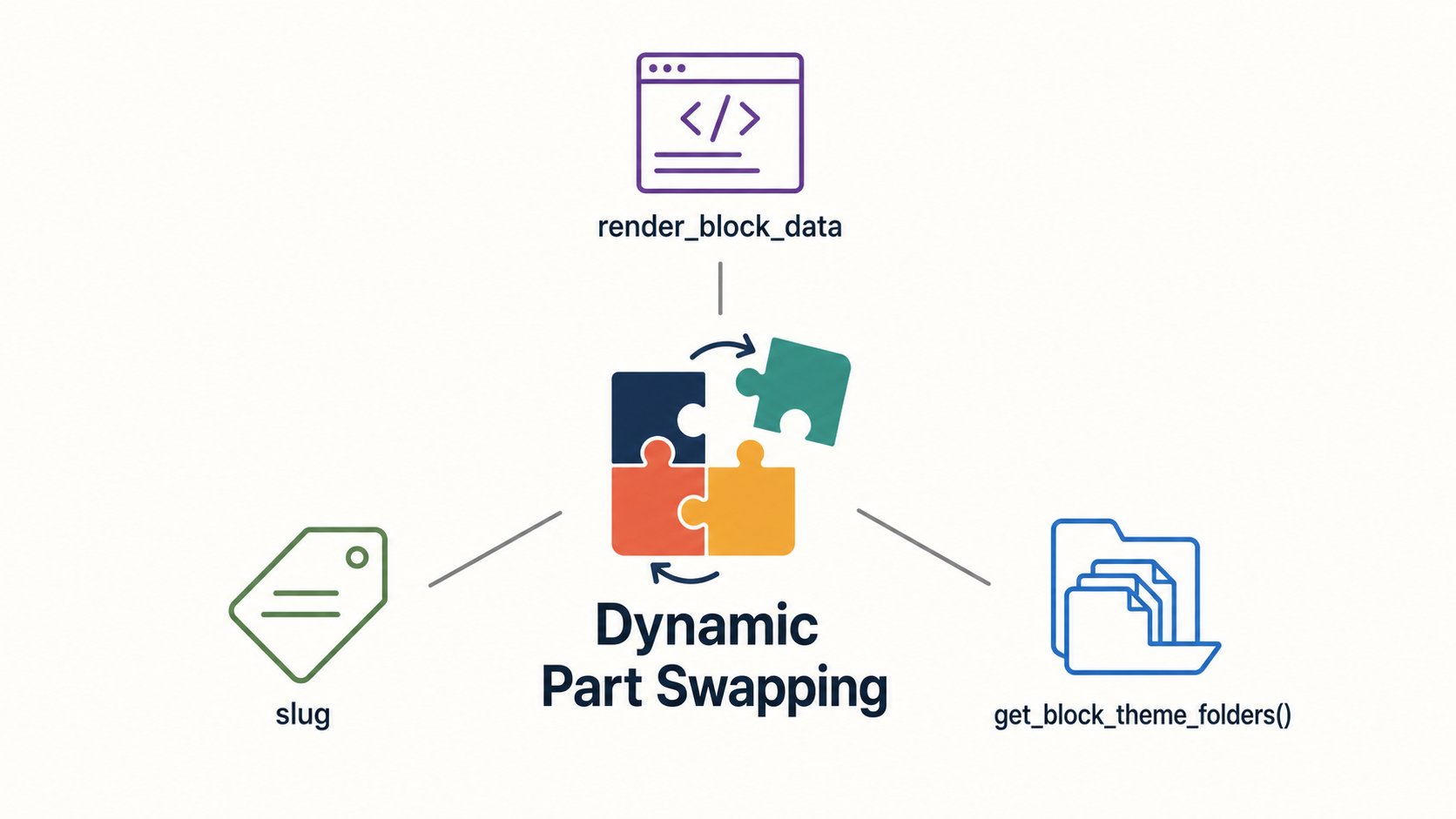
That hook is render_block_data. It fires just before any block is rendered and gives you the parsed block as an array — including its name and attributes — which you can modify before WordPress processes it. For the Template Part block (core/template-part), the attribute that matters is slug: change it, and WordPress loads an entirely different template part file. Three key terms make this system work:
render_block_data- A filter hook that receives the parsed block array before rendering, allowing you to modify block attributes on the fly.
slug- The attribute on
core/template-partthat identifies which HTML file in your theme’s/partsdirectory to load. get_block_theme_folders()- A WordPress function, available since WordPress 6.0, that returns the directory names your block theme uses for templates and template parts — by default
partsfor template parts.
Here is a complete working example — add it to your theme’s functions.php or a site-specific plugin. The goal is a single post layout that loads a default sidebar-post.html but swaps it for a category-specific version when one exists:
add_filter( 'render_block_data', 'themeslug_render_template_part_data' );

function themeslug_render_template_part_data( array $parsed_block ): array
{
    if (
        ( $parsed_block['blockName'] ?? '' ) !== 'core/template-part'
        || ( $parsed_block['attrs']['slug'] ?? '' ) !== 'sidebar-post'
        || ! is_singular( 'post' )
    ) {
        return $parsed_block;
    }

    $post = get_queried_object();

    if ( ! $post instanceof WP_Post ) {
        return $parsed_block;
    }

    $parts_dir = get_block_theme_folders()['wp_template_part'];

    foreach ( get_the_category( $post->ID ) as $category ) {
        $slug = "sidebar-post-{$category->slug}";

        if ( locate_template( "{$parts_dir}/{$slug}.html" ) ) {
            $parsed_block['attrs']['slug'] = $slug;
            return $parsed_block;
        }
    }

    return $parsed_block;
}
The early-return block at the top is deliberate. This filter runs on every block on every page load, so the first job is to exit immediately if the current block is not core/template-part, does not have the expected slug, or is not a singular post view. Keeping those checks tight avoids any unnecessary overhead.
The loop through get_the_category() handles multiple categories gracefully. Categories are returned in term order, so the first match wins. If you need a specific category to take precedence, sort the array before iterating. If no matching file is found, the function returns $parsed_block unchanged, which means WordPress loads the original sidebar-post.html as a natural fallback — no extra logic needed.
On the file side, the only requirement is that your default template part exists at parts/sidebar-post.html. Category-specific variants follow a naming convention based on the category slug — for example, parts/sidebar-post-album-reviews.html or parts/sidebar-post-artist-spotlight.html. You only need to create the files for categories where you want a different layout. Missing files are silently skipped by locate_template(), so adding a new variant is as simple as dropping a new HTML file into the parts directory. Because locate_template() checks the child theme before the parent, a child theme can override any of these variants.
The same pattern works beyond sidebars. Any block that uses core/template-part — headers, footers, comment sections, promotional banners — can be swapped out using the same filter. Adjust the slug check in the early return to match whichever template part you are targeting, and the rest of the logic stays identical. The result is a single template file per layout, with conditional behavior handled cleanly in a functions file or plugin.