
On a production WordPress site, slow pages aren’t always caused by bad code or too much traffic — sometimes the site is competing with itself. Cron jobs, database backups, product imports, and plugin sync tasks all consume PHP, memory, CPU, and database connections, and they rarely pause when visitors arrive.
Cached pages often survive this pressure intact. The real casualties are dynamic requests: checkout flows, account dashboards, membership portals, search results, and form submissions all require live PHP and database activity. When background work is consuming those same resources, these parts of the site slow down first — and the cause is invisible on the frontend.
That invisibility is what makes background-related slowdowns so disorienting. A page that tested fine at 9am can drag at 2pm without a single frontend change. The most common warning signs to watch for include the following:
- Server response time spikes without a corresponding traffic increase
- Slower checkout, login, or admin actions at consistent times of day
- Timeouts during imports, plugin updates, or backup jobs
- Speed test results that look clean outside the problem window
- User reports of inconsistent site feel that you can’t reproduce on demand
WP-Cron is one of the most common contributors. Unlike a true server cron, WordPress’s built-in scheduler triggers pending tasks when a visitor loads a page — meaning a normal page request can simultaneously kick off scheduled background work. On high-traffic sites this creates unpredictable performance spikes. On low-traffic sites the opposite happens: tasks pile up unexecuted, then all fire at once the next time someone arrives. Replacing WP-Cron with a real server cron gives the scheduler a fixed, visitor-independent execution window. Define DISABLE_WP_CRON in wp-config.php to switch off the visitor-triggered behaviour, then schedule wp-cron.php from the system task scheduler instead.
# wp-config.php — stop WP-Cron firing on page loads
define( 'DISABLE_WP_CRON', true );

# crontab — run every 5 minutes regardless of traffic
*/5 * * * * curl -s https://example.com/wp-cron.php?doing_wp_cron >/dev/null 2>&1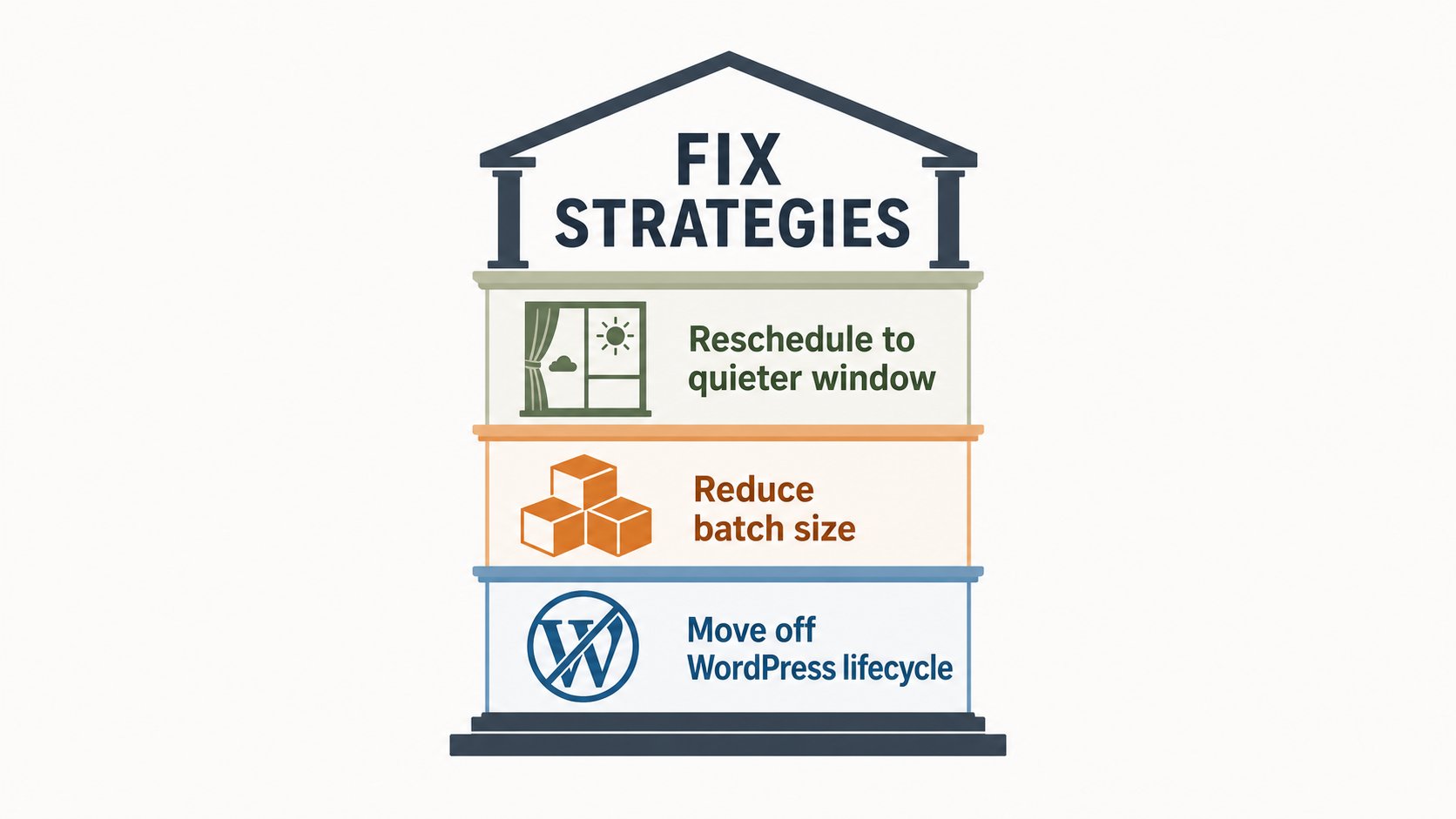
Backups deserve specific attention because their resource footprint scales with site size in ways that aren’t obvious. A plugin-based backup runs inside WordPress itself, scanning files, exporting database tables, compressing archives, and pushing data to remote storage — all while the site is live. A WooCommerce store with years of order history, or a media-heavy publisher, can put a backup job under significant load. The backup isn’t the problem; the timing and the execution method are. Hosting-level backup systems that operate outside the WordPress PHP process sidestep most of this pressure.
Product and content imports are frequently underestimated. A bulk import may look like a single background process, but it can involve thousands of database writes, image downloads, thumbnail generation via wp_generate_attachment_metadata(), taxonomy updates, and cache invalidation happening in rapid succession. A sync that runs every few minutes against an external inventory or CRM feed keeps touching the database throughout the day, even if each individual run seems minor.
Diagnosing the cause starts with timing. If slowdowns cluster around the same time of day, follow a predictable workflow, or appear right after scheduled tasks, that pattern is the lead. The WP Crontrol plugin surfaces all scheduled events registered via wp_schedule_event() and lets you see their frequency and next run time. Server-level monitoring that logs database query volume and PHP worker usage over time is more reliable than synthetic speed tests, which almost always capture a quiet moment.
Once the problem task is identified, the fix is usually one of three things. Reschedule it to a quieter window so it never overlaps peak dynamic requests — an overnight slot for a daily backup, for instance. Reduce its batch size so a large import or sync runs in shorter increments that release PHP and database resources between runs. Or move it off the WordPress request lifecycle entirely, handing it to a queue system or hosting-level runner so it never touches the page-load path — the most durable fix for recurring heavy jobs. Some of these changes, particularly replacing WP-Cron or configuring a server cron, need SSH or hosting control-panel access, so shared-hosting users may be limited to rescheduling and batch-size tuning. No amount of frontend optimisation will stabilise a site if a full database export is running through PHP during the lunch rush.