
Repeatable client onboarding is one of the biggest operational bottlenecks for WordPress agencies. Every new project means recreating the same plugin stack, theme setup, and configuration from scratch — unless you automate it. This guide walks through using GitHub Copilot and the Kinsta API to clone a preconfigured WordPress blueprint site, turning a multi-step manual process into a prompt-driven workflow.
The approach draws on vibe coding, a development methodology where you define the architecture, logic, and requirements at a high level and delegate the actual code generation to an AI agent. Rather than writing every function by hand, you work at the level of intent: describing what the system should do and letting the agent handle implementation. The result is faster delivery and lower overhead — but it requires a solid grasp of the underlying systems you’re orchestrating.
Before writing a single prompt, you need three things in place: a blueprint site hosted on Kinsta, a valid Kinsta API key, and an IDE with AI agent support. Here’s how those pieces map to the workflow:
| Requirement | Where to get it |
|---|---|
| Kinsta API key | Generated in your MyKinsta account settings — see the Kinsta API key guide |
| Company ID | Found in the MyKinsta dashboard URL as the idCompany parameter |
| Environment ID | Listed under Sites > sitename > Info in MyKinsta |
| Blueprint site | A preconfigured WordPress install on Kinsta with your standard themes and plugins |
| IDE with agent support | Visual Studio Code with GitHub Copilot, Cursor, or Lovable |
The blueprint site acts as your agency’s master template. In the example from the source workflow, the site included the Astra, GeneratePress, and Neve themes, along with Yoast SEO, Starter Templates, and supporting plugins. When a new client project starts, the API call clones this environment rather than building it fresh — preserving every configuration choice already made.
For the AI tooling, this workflow uses Google AI Studio for prompt development (a web-based platform ideal for testing prompts in an isolated playground before moving into actual development) and GitHub Copilot inside Visual Studio Code for code generation and file management. Copilot’s Agent mode is what makes this practical at scale: it analyzes your request, consults the underlying model, generates the necessary files, then runs its own error check and applies fixes — whether that means editing code, running terminal commands, or making tool calls. Plan mode handles structured task planning before handing off to Agent mode for execution.
One detail worth configuring early is the .github/copilot-instructions.md file. This is a project-level instruction file that sets global rules for the agent — coding standards, file naming conventions, API patterns — ensuring every generated file matches your agency’s expectations without restating those requirements in every prompt. Think of it as a standing brief the agent reads before each task.
GitHub Copilot offers three interaction modes that serve different stages of the workflow. Ask mode handles questions and clarification through the chat window. Plan mode produces a structured breakdown of tasks with implementation and verification steps, which you review and adjust before any code is written. Agent mode takes that plan and executes it, working through the file system directly. Using all three in sequence — clarify, plan, execute — keeps the agent focused and reduces the back-and-forth that comes from underspecified prompts.
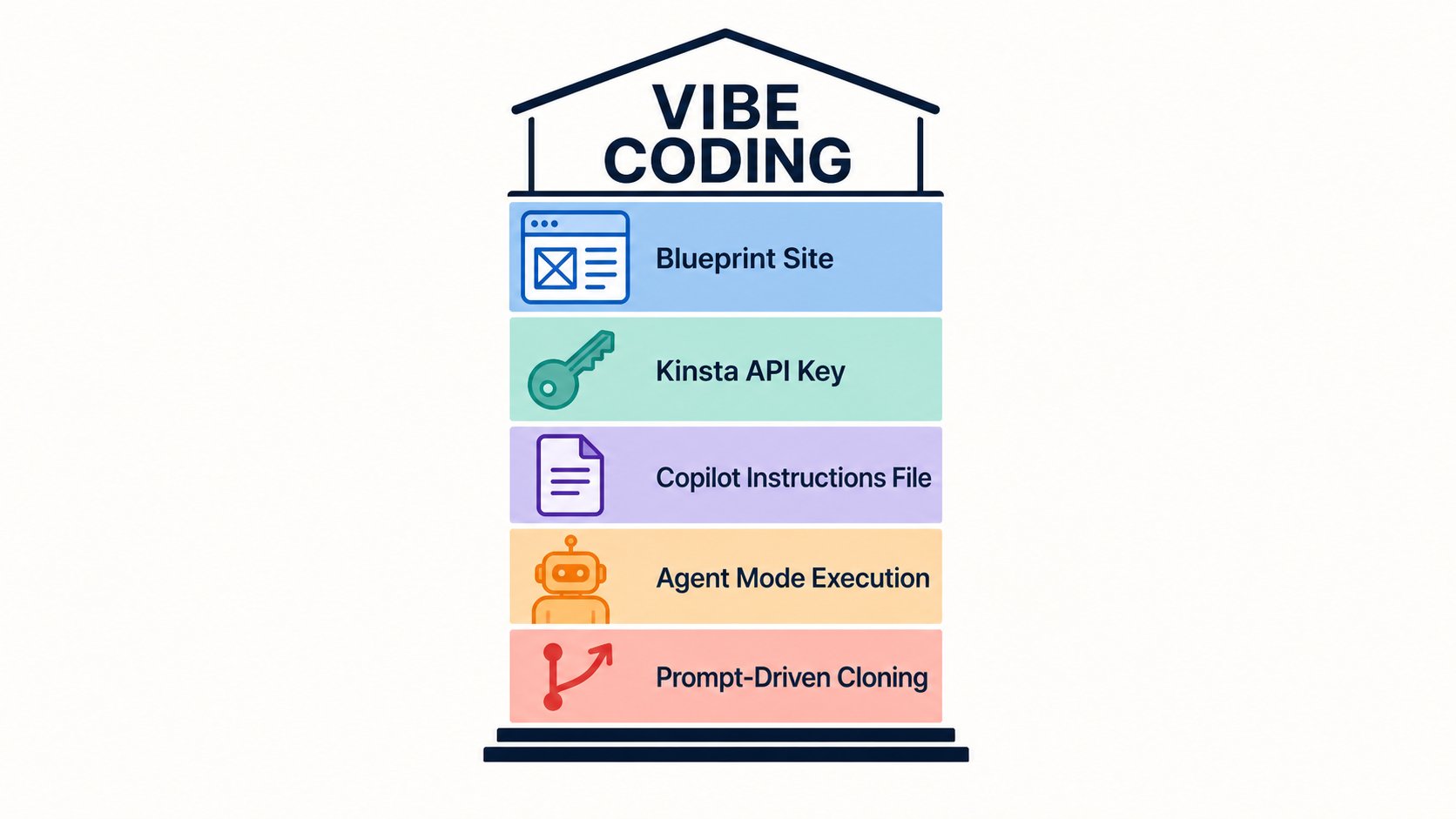
The outcome of this setup is a reliable, repeatable onboarding pipeline. When a new client comes on board, triggering the clone workflow via the Kinsta API spins up an environment that already has your preferred theme and plugin stack installed — ready for customization rather than configuration. Combined with agent-generated scaffolding, that shift from hours to minutes is where the operational value of vibe coding becomes tangible for an agency running multiple concurrent projects.