
Pushing untested changes directly to a live WordPress site is one of the most avoidable causes of downtime and broken functionality. Whether you’re updating a plugin, experimenting with custom code, or introducing an AI-powered feature, a staging environment gives you a safe place to verify everything works before users are affected.
A staging site is a copy of your production environment running separately — on your web host, a cloud service, or your own machine. For a reliable test, it should mirror the live site’s theme and plugins even if the content doesn’t match exactly. The goal is an environment close enough to production that any issues you find there are issues you’d have found in the wild.
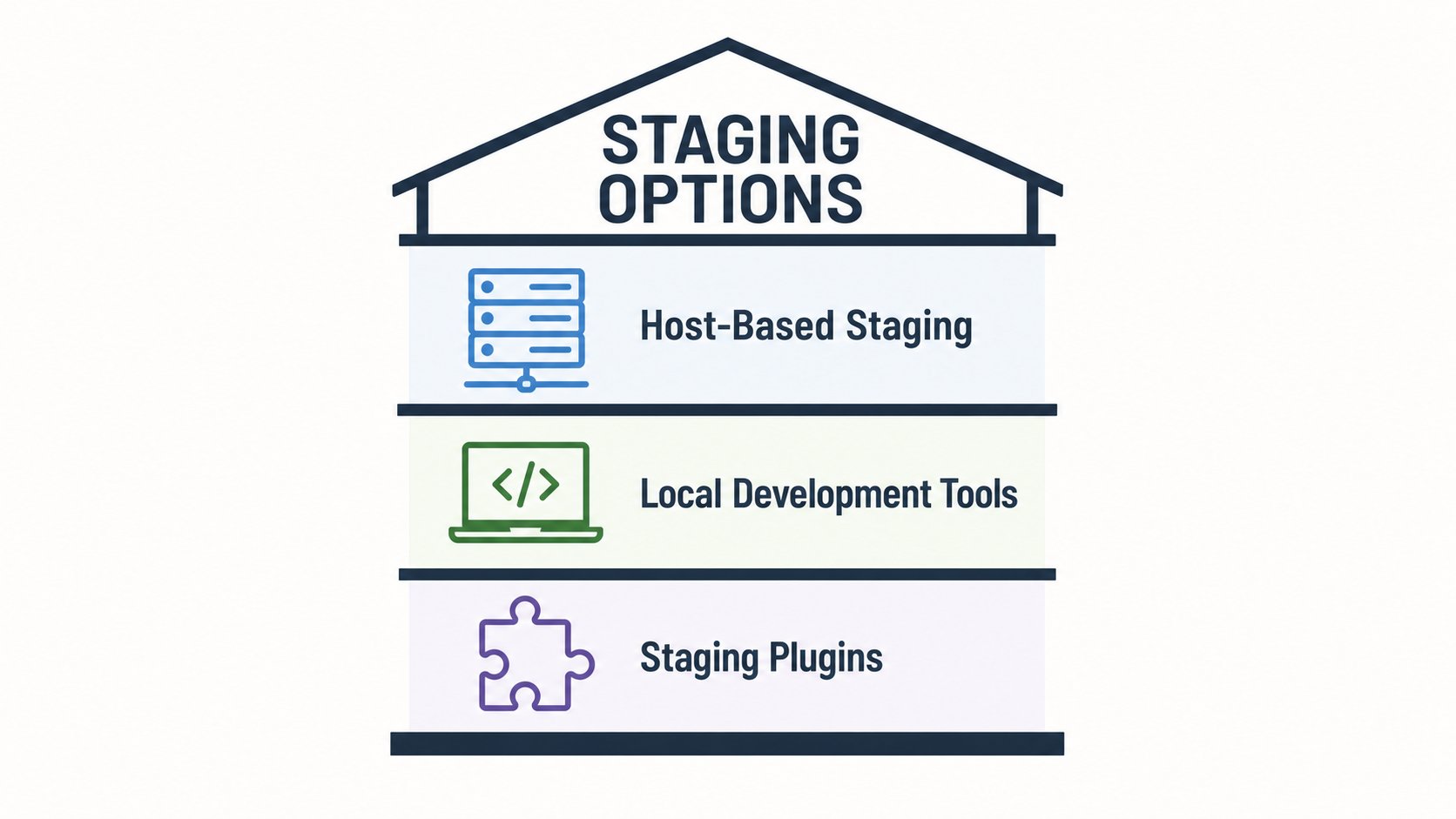
If you haven’t set one up before, the good news is you have several paths to choose from depending on your workflow and hosting setup. The options break down into three broad categories: host-provided environments, local development tools, and staging plugins.
- Host-based staging
- Many managed WordPress hosts let you clone a production site with one click, assigning a temporary URL and matching the server’s PHP and database versions — no manual search-and-replace needed.
- Local development tools
- Apps like Studio (from WordPress.com), Local, MAMP, and XAMPP run WordPress directly on your machine, giving you speed and privacy with no external dependencies.
- Staging plugins
- Plugins such as WP Staging, WPvivid, InstaWP Connect, and BlogVault create copies on a subdirectory, a remote server, or a third-party cloud service from inside your WordPress dashboard.
Host-based staging is the most convenient starting point. Because the staging environment shares the same server architecture as your live site, you get a genuine like-for-like test. You can also swap PHP versions to verify compatibility before a major upgrade — something local tools handle well too, but that requires more manual configuration. One important note: WordPress stores the site URL in the database, so cloning without updating these references would break the staging environment. Host-based tools handle this automatically by assigning a temporary URL to the clone, saving you from a manual database search-and-replace.
Before you clone: Back up your live site before creating a staging copy — most managed hosts do this automatically as part of the cloning process, but it’s worth confirming before you proceed.
Local tools are the better choice when you need to work offline or want tighter control over the stack. Studio uses WordPress Playground under the hood, which means no local dependencies to install. Local adds WP-CLI access, live shareable links, and hot-swappable PHP versions. MAMP and XAMPP are more hands-on but give you full control over server components including Apache, NGINX, MySQL, and PHP.
Staging plugins work well when switching hosts isn’t an option and you need something deployable from the dashboard alone. WP Staging clones your site to a subdirectory and doubles as a daily backup tool. WPvivid adds cloud storage destinations including Amazon S3, Dropbox, and Google Drive. BlogVault pushes a staging copy to its own cloud service and supports merging changes back to production — though it requires a paid subscription after the free trial. InstaWP Connect requires an InstaWP account but is built specifically for rapid deployment and environment syncing. When merging any staging changes back to production, proceed carefully — database changes, uploaded media, and active plugin states can create conflicts that need to be resolved manually.
The right tool depends on how your team works. If your host already offers one-click staging, start there. If you’re doing heavy development work locally, Studio or Local will save you time. If you’re managing multiple client sites and need backup and staging in one workflow, WP Staging or BlogVault is worth evaluating. Whichever route you take, having a staging environment in place before your next major change is the outcome that matters.